 SixOnFive
Following your team
Home, Results, Roster, Stats and your Account, as a parent or family member sees them.
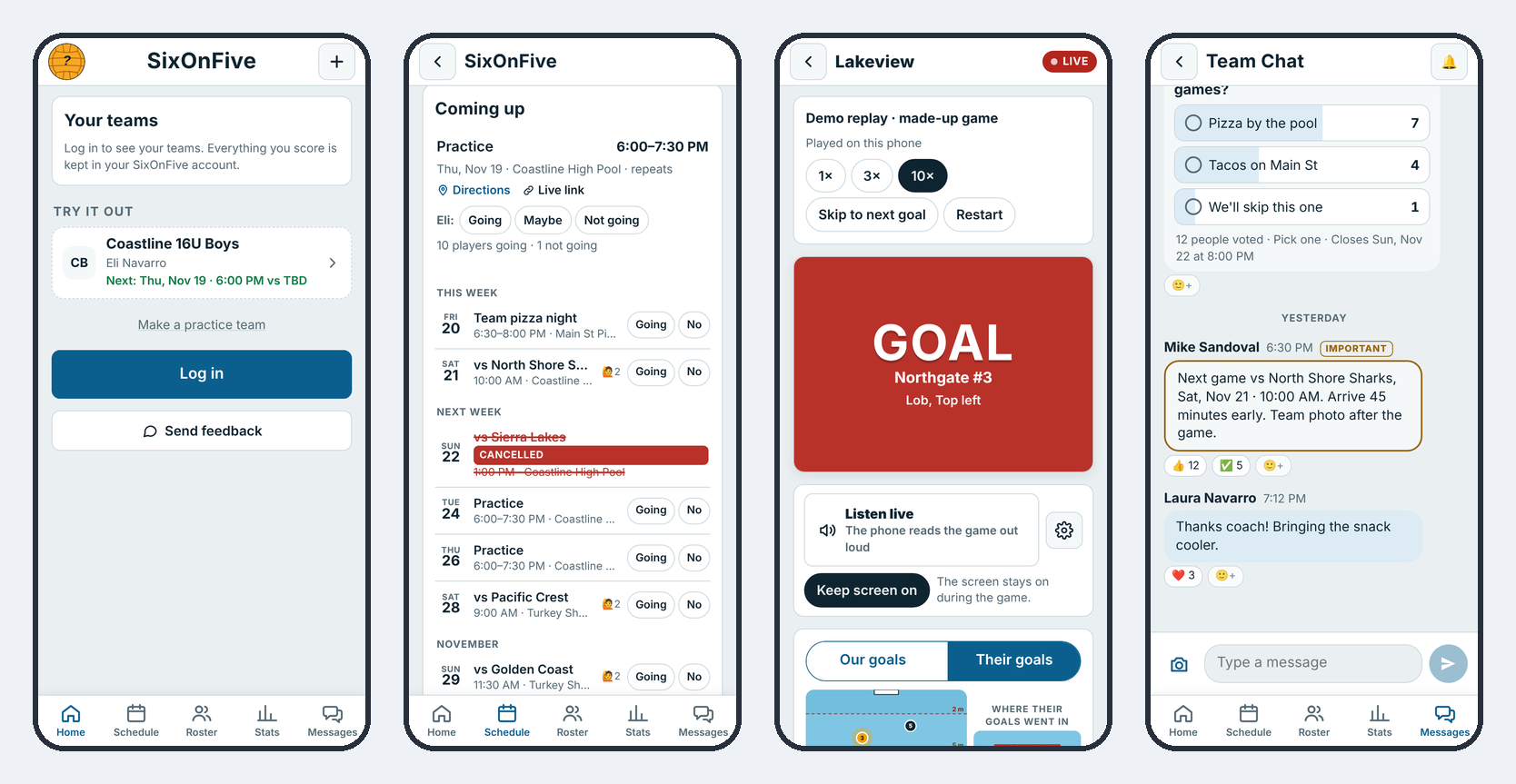
Once you're on a team, the bar at the bottom of every screen gets you around: Home, Schedule, Roster, Stats and Messages. Schedule and Messages have their own pages.
Home
Home shows a card for each team you follow: the team name, the player you follow, and what's next on the schedule. A Live now tag means a game is being scored right now. Tap your initials (top left) for your Account.
Results
Every game played, newest first, with W or L and the score. Tap a game for its box score and play-by-play.
Roster
The Roster lists Staff, then each player with their family underneath. Tap a player to see their family members, with tap-to-call, text or email where they've shared a phone or email. Coaches choose whether families see each other.
Don't want to be listed? Go to Account → List me on the Roster and turn it off. The coach still sees you.
Invite family to follow your player
On the Roster, tap + Invite, then Invite family and send the link to grandma or an aunt. They sign in and follow your player right away, with no wait for the coach. Each player has a few family places.
To bring in a different family on the team, use Invite another family on the same sheet. They pick their own player and join after the coach's OK.
Stats
The Stats tab has three tables: Offense, Defense and Goalie. Tap any column to sort it. Depending on the team's settings, you see the whole team or only your own player. Stats explains every column.
Your Account
Tap your initials (top left).
| Setting | What it does |
|---|---|
| Emails and pop-ups | Pop-ups on this phone, and for each team: game starting, RSVP reminders, schedule changes, volunteer jobs. Game emails and Offers and news. |
| Contact info for your teams | An optional phone number, and whether families on your teams see your email |
| Appearance | Match phone, Light, Dark, Pool, Night Navy or Sunlight (bold, high contrast for bright pools) |
| Signed in on | Every phone and computer you're signed in on. Sign one out, or Sign out everywhere else. |
| People you hid | Shows only if you hid someone in Messages. Tap Show again to undo. |
At the bottom of Account: the SixOnFive version (and the phone app's version), Help, Send feedback, Privacy, Terms, Sign out and Delete my account.
Hide or leave a team
Last season's team cluttering your home? At the bottom of the team's Roster tab:
- Hide this team from my home: it comes off your home, calendar and Messages, with no pop-ups. You're still on the team. Bring it back from Hidden teams at the bottom of your teams list.
- Leave this team: takes you off the team. (A Head Coach hands the team to someone else first.)